



Why Does My Hoverboard Keep Beeping? Common Causes & Fixes
Disha Shah
23 October 2026
11 Minutes Read
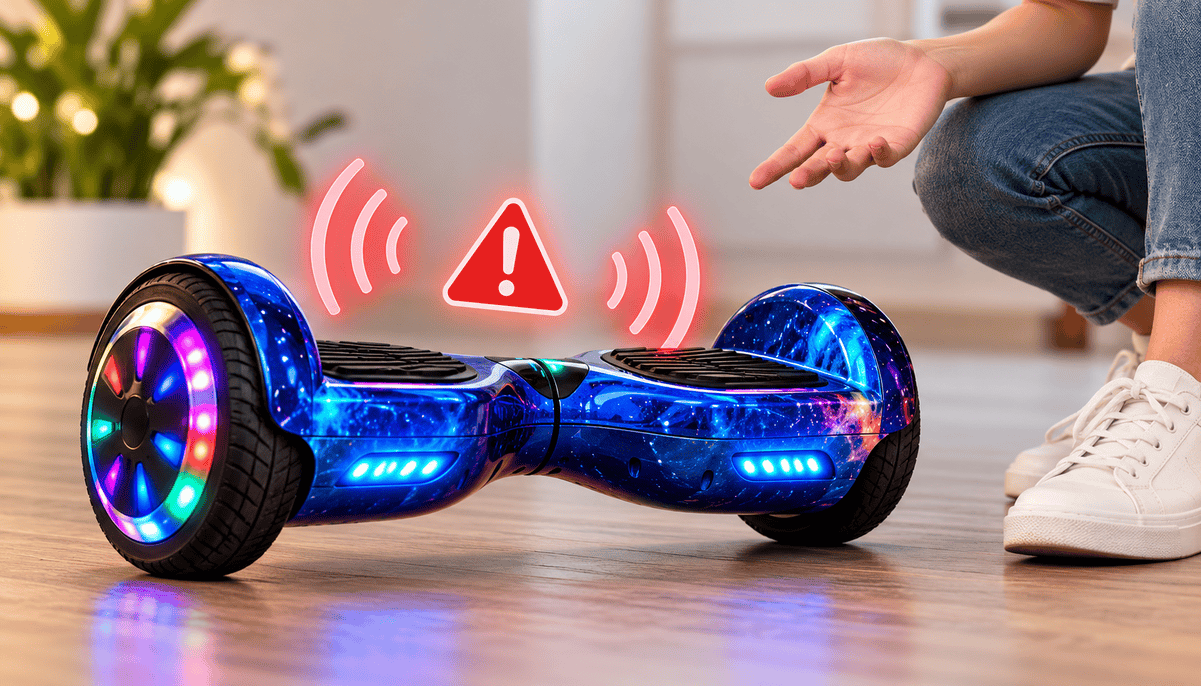
Is your hoverboard making a constant beeping sound, flashing a red light, or refusing to move? Before assuming it is broken, check what your hoverboard is trying to tell you.
A hoverboard that keeps beeping may have a low battery, a speed warning, a balance sensor issue, or an internal fault. Identifying when the beeping starts can help you find the right solution.
In this guide, Australia Hoverboards explains the common reasons for hoverboard beeping and the simple checks you can try at home.
Why Does My Hoverboard Keep Beeping?
Hoverboards use warning sounds to alert riders to operating conditions or potential problems. The exact meaning depends on your model, the indicator lights, and the beep pattern.
Here are the most common causes:
| Problem | Possible Cause | What to Do |
|---|---|---|
| Beeping with a low battery light | Battery needs charging | Charge using the correct charger |
| Beeping while riding fast | Speed warning activated | Slow down safely |
| Beeping with a flashing red light | Calibration issue or internal fault | Check your manual and indicator pattern |
| Beeping and refusing to move | Balance sensor, motor, or system issue | Switch off and inspect for visible obstructions |
| Beeping after a fall | Possible sensor or internal damage | Stop riding and check for damage |
| Beeping during charging | Possible charger or battery issue | Disconnect if abnormal and seek professional advice |
Important: These are possible causes, not universal error codes. Always check your hoverboard’s manual before attempting a reset.
5 Common Hoverboard Beeping Problems and How to Fix Them
1. Low Battery
A low battery is one possible reason your hoverboard keeps beeping. You may also notice a flashing battery indicator or reduced performance.
How to fix it:
- Switch off your hoverboard.
- Connect the compatible charger.
- Allow it to charge according to the manufacturer’s instructions.
- Check whether the warning disappears after charging.
If your hoverboard still beeps after a full charge, the battery or charging system may need inspection.
2. Hoverboard Beeping and Flashing a Red Light
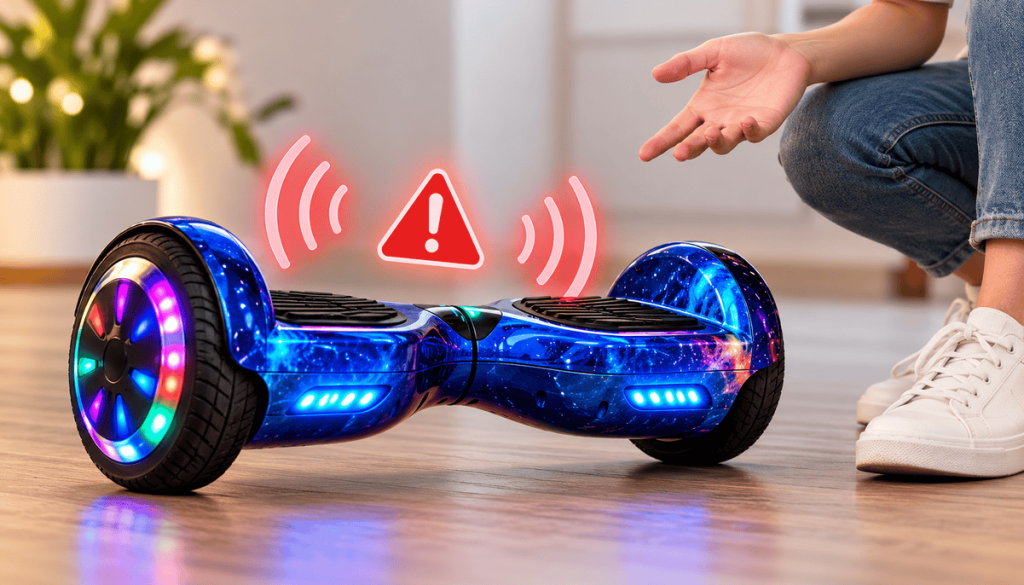
If your hoverboard keeps beeping and flashing a red light, it may be reporting a balance problem or an internal component fault.
What to do:
- Switch off the hoverboard.
- Place it on a firm, level surface.
- Check the manual for your model’s warning-light pattern.
- If the manual recommends recalibration, follow its instructions carefully.
If the red light and beeping continue, avoid riding the hoverboard until the problem has been identified.
3. Hoverboard Keeps Beeping and Won’t Move
Does your hoverboard turn on but refuse to move? The problem could involve the footpad sensors, wheel mechanism, motor, or internal electronics.
Try these checks:
- Turn the hoverboard off.
- Check whether anything is visibly obstructing the wheels.
- Inspect the exterior for damage.
- Restart it according to the manufacturer’s instructions.
If one side fails to respond or the hoverboard cannot balance correctly, it may require professional repair.
4. Beeping While Riding
Sometimes, beeping is a normal safety warning rather than a fault. Depending on the model, your hoverboard may beep when approaching its speed limit or when the motor is under excessive strain.
Riding on steep slopes, rough ground, or beyond the recommended rider weight can also affect performance.
How to fix it:
- Slow down safely when you hear a speed warning.
- Ride on a smooth, level surface.
- Follow your hoverboard’s recommended weight limit.
- Avoid steep inclines and surfaces unsuitable for your model.
Never try to disable a safety alarm to make your hoverboard go faster.
5. Hoverboard Beeping After a Fall or Reset
If the beeping starts after a fall, knock, or unsuccessful reset, the balance sensors or internal components may have been affected.
Some models allow users to recalibrate the board to correct minor balance issues.
How to recalibrate your hoverboard:
- Switch it off.
- Place it on a hard, completely level surface.
- Follow the calibration procedure in your model’s manual.
- Restart it and check whether the warning has disappeared.
Reset procedures vary between models, so do not assume that holding the power button for a particular number of seconds will work for every hoverboard.
If the hoverboard still beeps, tilts unexpectedly, or fails to balance, stop using it and arrange an inspection.
When Should You Get Your Hoverboard Repaired?
Basic troubleshooting may resolve a low-battery warning or a minor calibration issue. However, persistent beeping can indicate a problem that requires professional attention.
Consider arranging a repair inspection if:
- Your hoverboard continues beeping after charging and the recommended reset.
- A red warning light keeps flashing.
- The hoverboard will not balance or one wheel stops responding.
- The battery or charger behaves abnormally.
- You notice unusual heat, swelling, smoke, or a burning smell.
Safety first: If you notice smoke, swelling, or a burning smell, stop using and charging the hoverboard. Do not attempt to open or repair its battery yourself.
Frequently Asked Questions
Why does my hoverboard keep beeping even when fully charged?
The cause may be a calibration issue, speed warning, faulty sensor, or internal component problem. Check the indicator lights and your model’s manual to identify the next step.
Why is my hoverboard beeping and flashing red?
A flashing red light with beeping may indicate a low battery, balance problem, or internal fault. The meaning depends on the model and its error-light pattern.
How do I stop my hoverboard from beeping?
First, identify why it is beeping. Check the battery, move to a level surface, and follow the manufacturer’s troubleshooting instructions. Do not ignore persistent warning sounds.
Can I still ride my hoverboard if it keeps beeping?
Not always. A speed warning may simply mean you need to slow down, but continuous beeping with flashing warning lights, poor balance, or unusual movement means you should stop riding until the cause is identified.
Does a beeping hoverboard need repair?
Not necessarily. Some warnings can be resolved by charging or following the correct calibration procedure. If the beeping persists or the hoverboard cannot balance properly, a professional inspection may be necessary.
Get Help With Your Beeping Hoverboard
A beeping hoverboard does not always mean something is seriously wrong, but it should never be ignored without checking the cause.
Start with the battery, indicator lights, and model-specific troubleshooting instructions. If the warning continues, avoid riding until the issue is resolved.
Need further assistance? Visit Australia Hoverboards Repair Services to explore your repair options and get your hoverboard problem assessed.